
WhatIs
A broadcast-quality trivia-board BRB game where your whole chat plays and answers score on a decaying timer.
The pitch
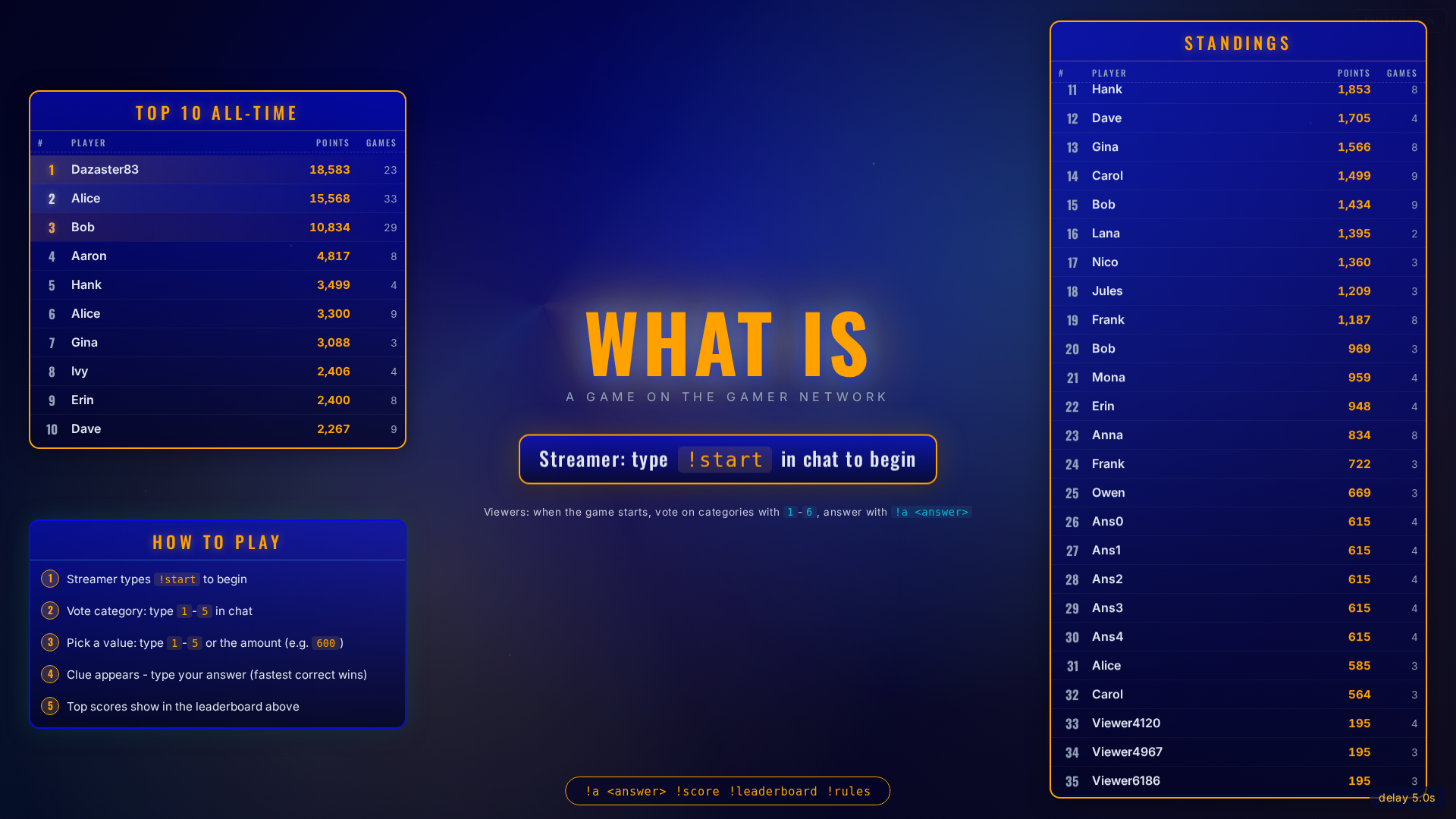
WhatIs is designed for the moment between segments. Your chat stays engaged, the animations stay broadcast-quality, and the pacing rewards speed without locking slower viewers out.
Cross-platform by design: Twitch, YouTube, and Kick chat all feed into the same game state. Platform identity is tracked honestly — same name on two platforms is two different players.
How a clue plays
1. Chat votes a category
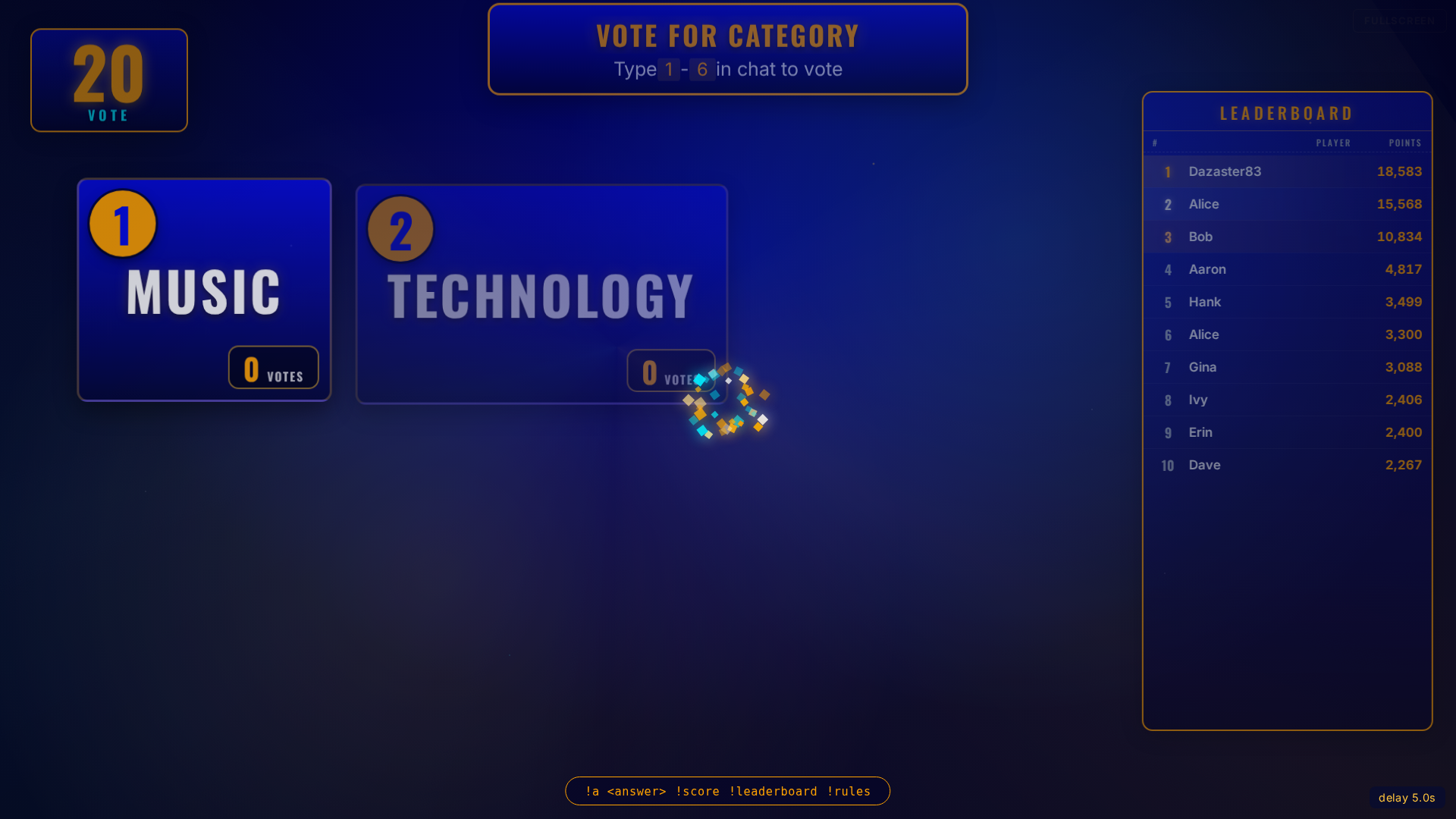
Six categories on the board. A 15-second poll — chat types 1–6 — decides which category opens. Tie goes to lowest index.
2. Chat votes a point value
From the remaining values in that category, chat picks one the same way. 200 is safer; 1000 is a bigger payout.
3. The clue reveals
The board zooms to the tile and the clue appears, timed against your broadcast delay so chat sees it at the same moment you do.
4. Chat answers
Viewers type !a <answer>. Only the first attempt per person counts. The
point-value ticker decays over ten seconds from full value down to a 10% floor — fastest
correct gets the biggest cut, but everyone right still scores.
5. Scores update
The correct answer reveals, top correct answerers appear on-screen, the leaderboard animates. Back to the category poll.
Round structure
One 5x5 board: 25 clues, then results. Full game: roughly 12-18 minutes.
Streamer calls !start
Backend snapshots per-tenant settings (timings, point values, theme) and the board comes up with five fresh categories.
Five categories, five clues each
Values 200 through 1000 points. Twenty-five clues total. Ends when the board is
exhausted or the streamer calls !roundend.
Top three on the podium
Final standings render on a 3D podium with the top three players from the live game. All-time leaderboard rolls forward into the next session.
Pricing
Free — included with every tier
WhatIs ships with the Free, Basic, and Pro tiers. Sign up and play it on your stream today.
Ready to play?
Sign up, download the Streamer.bot bundle, paste the browser source URL into OBS, and hit !start.